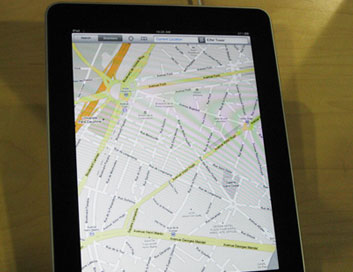
Why Does My Mobile Map Stop Working
Just like everything technical, mobile maps can have the habit of failing to function correctly. Some users will never experience problems, but for others the issues can become tiresome and cause them to seriously question the whole mobile map concept. The aim of this article is to analyse some of the main concerns that mobile map users will incur and provide brief explanations as to how these problems can be solved.
Problem #1 – The user cannot plot their current location
One of the most common issues with a mobile map is when the application can no longer pinpoint a user’s location. There can be several reasons behind this issue, although the main one is undoubtedly a lack of signal. If a user has little or no signal, the application will struggle to locate satellites which will allow the software to plot the location. While some mobile map applications may explain this to the user, many provide simple error messages which provide no aid to resolve the problem.
Another reason why a mobile map may stop working is due to the type of signal that the user is receiving. This mainly occurs due to problems with their data plan which may not allow information to be passed correctly. While it may be difficult to diagnose this issue at first, users can generally view the type of signal they are receiving on the homepage of their phone. A signal that is capable of processing data will be titled in upper case, with “EDGE”, “GPRS” and “GPS” all being valid examples.
Problem #2 – The user is placed in an unknown location on the map
Another common problem occurs when the user is placed in a seemingly empty location on the mobile map. Generally, the user will be perfectly fine before suddenly changing road and discovering that the mobile map has stopped working. This problem is almost always attributed due to a new road and the only solution is to download an up-to-date map. In some cases, when the user is travelling across countries for example, their mobile map may have stopped working due to the fact that they have not downloaded maps for this region. This will usually occur on premium mobile map software.
Problem #3 – The mobile map now supplies the wrong speed information
On those mobile maps that include GPS navigational functions, some users may suddenly find that they are no longer provided with accurate speed information. This problem is very similar to the previous one in the way that it occurs due to an out-of-date map update. Many roads often have their speed limits changed due to public pressure, while some mobile maps also record speed limits when the road is undergoing maintenance and has a variable limit in place.
Mobile Map Problems Summary
This article has highlighted just several of the reasons why a mobile map stops working and most of the time the problems are attributed to signal and out-of-date software. When this is not the case, users may be advised to contact the application’s technical team.